
Automated Payment Collection for Telecoms
Payment collection in the SAFE Billing Platform takes each invoice through to payment: the customer authorises a Direct Debit or card once, and later invoices are collected on a timetable worked out from their due dates.
Direct Debit runs through GoCardless, an FCA-authorised UK payment institution, and card payments run through your own Stripe account. Collection is included from the Standard package upwards.
What automated payment collection covers
Automated payment collection means the billing platform creates and submits each payment from the invoice it relates to, rather than staff raising collections separately. A set number of working days before each due date, the payment is created and then sent to the provider. Collection can also be triggered when a bill is delivered, or run by hand through a payment run.
Each payment is recorded against its invoice, and failures are flagged on the account with an audit trail of every attempt. Your team still decides how failed payments are followed up and handles any queries.
Payment Methods
Customers can pay in the way that suits them, with each method recorded in the same place.
Direct Debit via GoCardless
Collect against Direct Debit mandates through GoCardless, an FCA-authorised UK payment provider, on each invoice's collection timetable.
Card Payments via Stripe
Collect through your own Stripe account. The card types and wallets available to your customers depend on your Stripe settings.
Card Payment Links
Send a link that lets a customer pay an individual invoice by card, with the payment recorded against their account.
From Mandate to Recorded Payment
The four stages each invoice passes through once a payment method is in place.
Set-Up
The customer sets up a mandate or card through your branded portal. The bank or card details are held by the payment provider.
Invoicing
The billing run produces invoices from usage and recurring charges, each with its own due date.
Collection
Payments are created and submitted on working-day timings before each due date, or taken through a payment run.
Recording
Each payment is recorded against its invoice. With the <a href="https://www.billingplatform.uk/blog/xero-integration/" class="text-blue-800 hover:text-blue-600 underline">Xero integration</a> (Premium add-on, included on Enterprise), payments can then be transferred to Xero.
Controls Around Collection
Settings and records that let your team see and adjust what is being collected.
Branded Communications
Invoice notifications, receipts and payment emails are sent under your brand.
Card Data With Stripe
Card details are tokenised by Stripe, so raw card numbers never reach your systems or ours.
Payment Status
See which invoices have been paid, which payments are pending and which have failed, on each account and across payment runs.
Collection Timings
Set, for each payment provider, how many working days before the due date a payment is created and submitted.
Payments in the Customer Portal
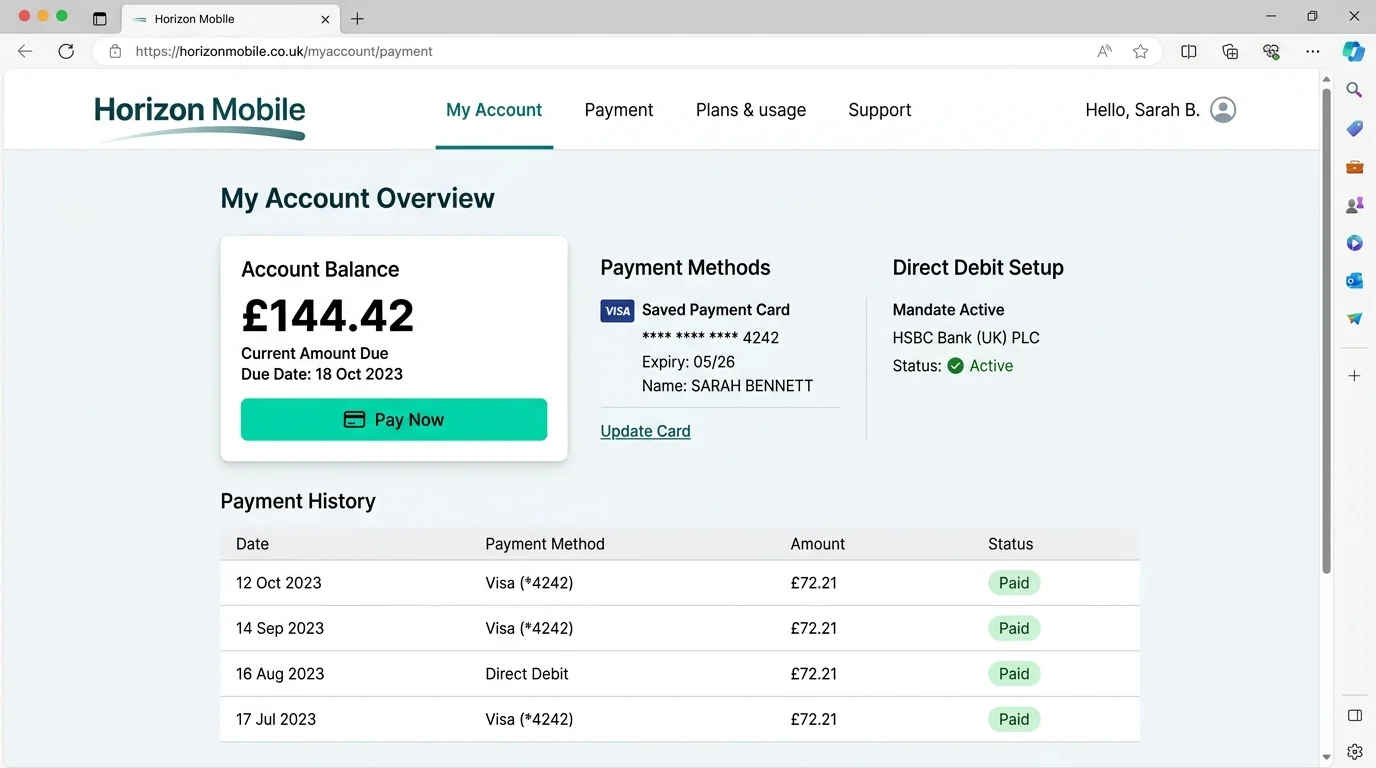
On packages with payment collection, customers can manage their own payment details through the customer portal, within the options their portal profile allows:
- ✓ Add or update a card
- ✓ Set up a Direct Debit mandate online
- ✓ Pay outstanding invoices by card
- ✓ View and download invoices
Tracking Payments
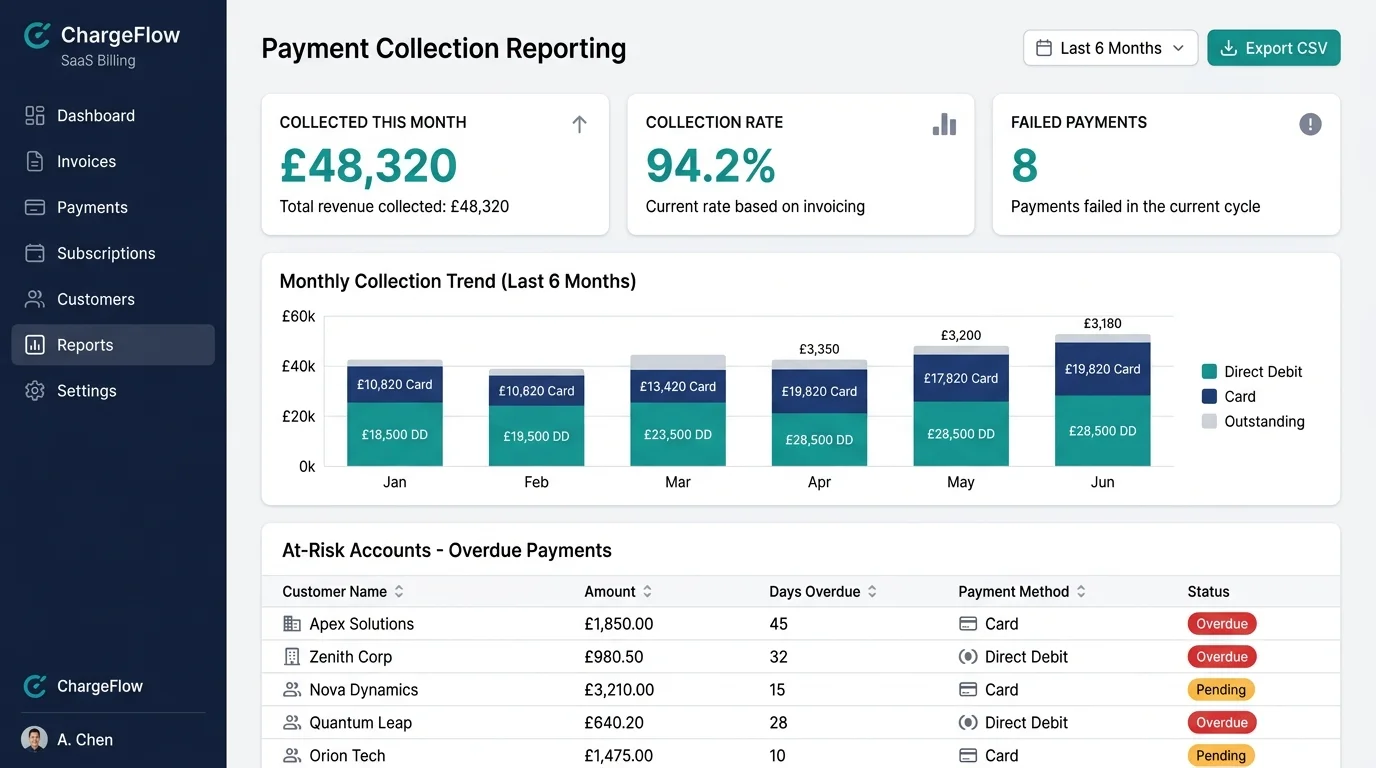
Payment records show what has been collected, what is pending and what needs attention.
Payment Runs
Direct Debit and card payment runs show the status of each collection, including failures to follow up.
Expected Payments
Record payments you expect to receive, for cash-flow forecasting and for display to customers in the portal and correspondence.
Overdue Accounts
Aged debt reporting shows overdue balances, and SAFE CRM Credit Control, in early access, organises chasing from the invoice ledger.
Where Manual Payment Processing Takes Time
When payments are taken and recorded outside the billing platform, the work falls into three areas. Collecting through the platform records each payment against the account as it is taken, leaving staff to deal with the exceptions.
Matching
Processing payments and matching them to the right invoices
Follow-up
Following up failed and late payments
Queries
Answering customer queries about what has been paid
The product site covers collection timings and controls in more detail. Payment collection on billingplatform.uk →
Payment collection FAQs
Which payment methods do you support?
Direct Debit through GoCardless, card payments through Stripe, and card payment links for individual invoices. Where your Stripe account supports it, Direct Debit can also be collected through Stripe.
Which packages include payment collection?
Payment collection is included from the Standard package upwards, with Direct Debit and card payments. Enterprise can add other payment providers. On the Startup package, payments are recorded manually. You hold your own GoCardless and Stripe accounts and pay their fees directly.
Who handles the Direct Debit mandates?
GoCardless, an FCA-authorised payment institution, creates and stores mandates under the Direct Debit scheme rules. The status of each collection is recorded in the platform against the invoice it relates to.
When is each payment taken?
Each invoice has its own timetable based on its due date. The platform creates the payment a set number of working days ahead and then submits it to the provider, so collections run on most working days rather than once a month. A payment that has not yet been submitted can still be cancelled.
How is card data handled for PCI-DSS?
What happens when a payment fails?
The failure is recorded against the account and the customer can be notified. Retries can run manually or automatically through SAFE CRM Credit Control, which is in early access. The choice is yours because a provider may charge for each retry.
Review Your Collection Process
We can show how Direct Debit and card payments are collected, matched to invoices and followed up when they fail.
Arrange a Demo